do•doc version 7
The new version of do•doc is a complete rewrite of the software. This page presents the new features and explains how to install this version.
As a reminder, do•doc is free and open source software designed to capture traces from all the devices connected to the same local network (as photos, videos, sounds and animations) and gather them in a single local folder, with the possibility to edit, lay out and publish them (online or in print, for example).
Version 7 includes many changes aimed both at making do•doc simpler and at adding new features.
Overview
Apart from a few icons and buttons that haven’t changed, the whole do•doc interface has been redesigned. The previous interface was designed about 3 years ago; the many workshops we ran and the feedback we received helped us improve it and make it more powerful.
Below is a list of some of the features that were added or rethought in this new version and are available now.
New feature: laying out your publication
We especially developed the publishing options to make it possible to produce printed documents from elements captured in or imported into do•doc. This new feature was first developed for two workshops we ran with primary school classes in the Drôme, whose goal was to create a class newspaper in one week (the report is on our website). You can see one of the two newspapers made and published online here and the report video there.
This layout feature was optimized for tablets, so that several people can edit a publication together without needing access to the computer running do•doc (that is, the one on which the do•doc application was installed and started).
A collaborative approach
We also greatly improved the connection sharing feature. As a reminder, this feature lets a computer share access to do•doc and all its content over a local network (wired or wi-fi). Other devices on the same network can connect with their web browsers, without installing the application.
Capture confirmation
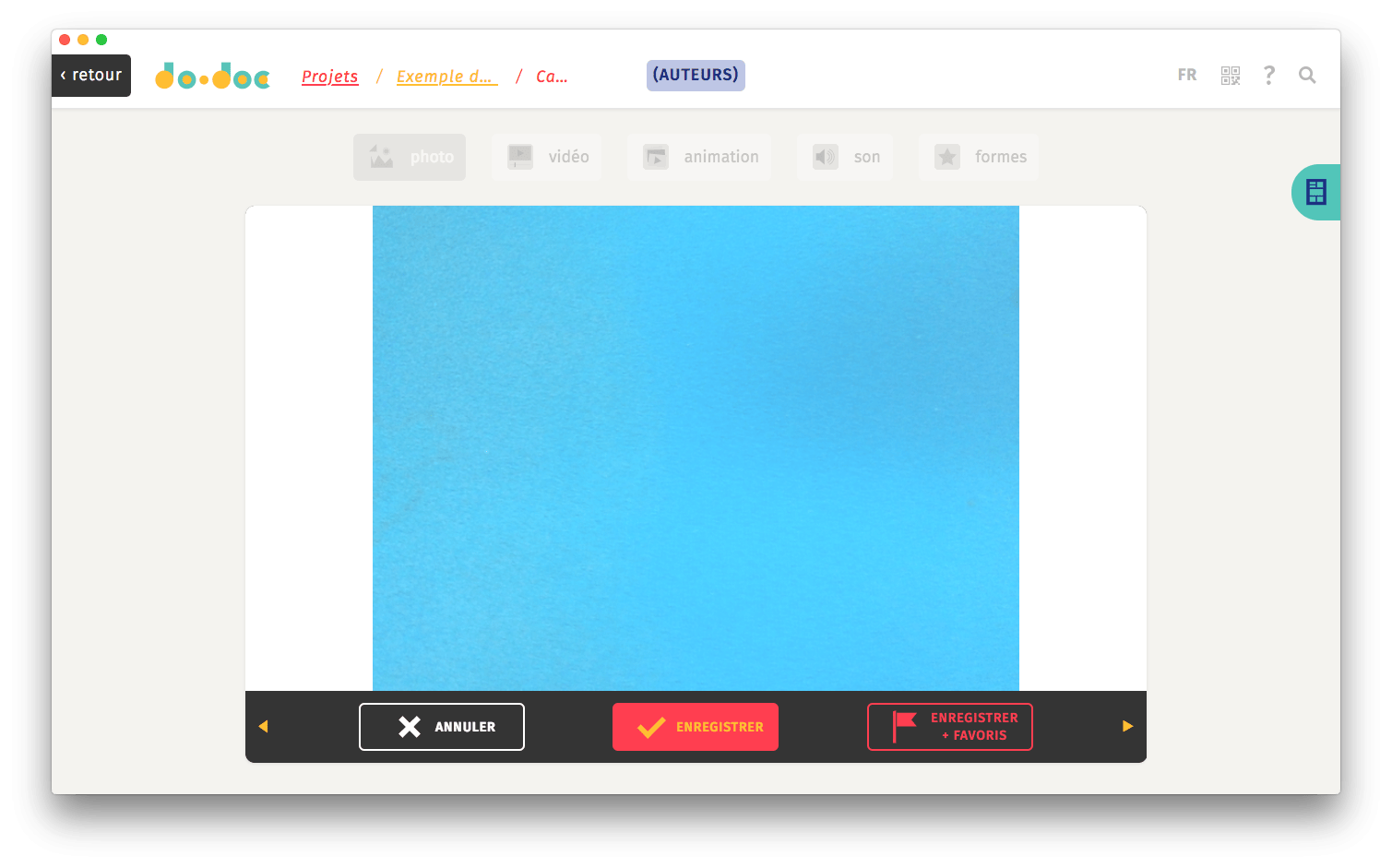
Each capture is now followed by a confirmation prompt with three choices: cancel, save and save + favorite.
New content import system
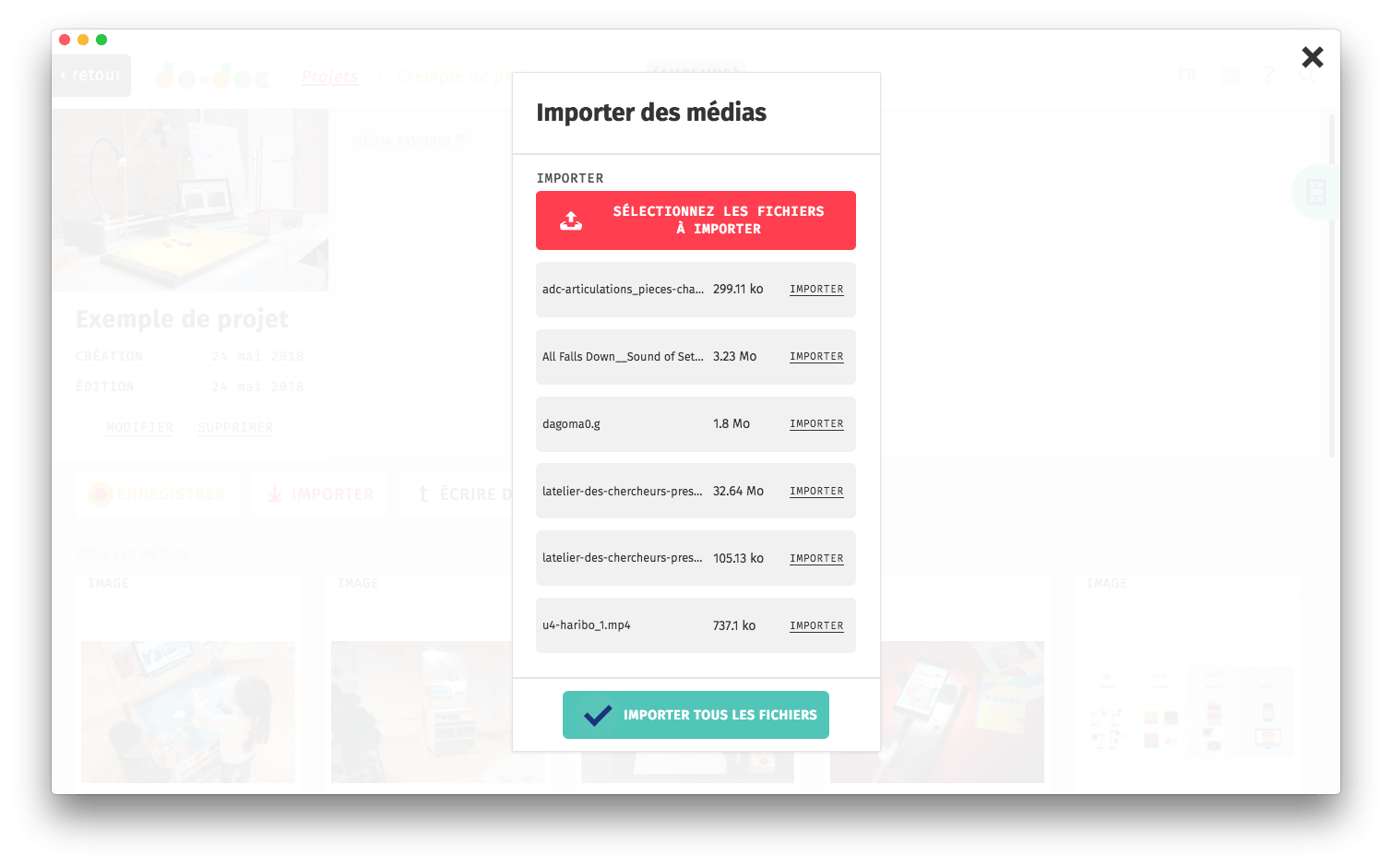
The media import system lets you add all kinds of media from any device connected to the same wifi network, without going through the internet. Media can be imported one by one or all at once.
In both cases, if the upload fails (for example on an unstable wifi network), you will be offered to try again.
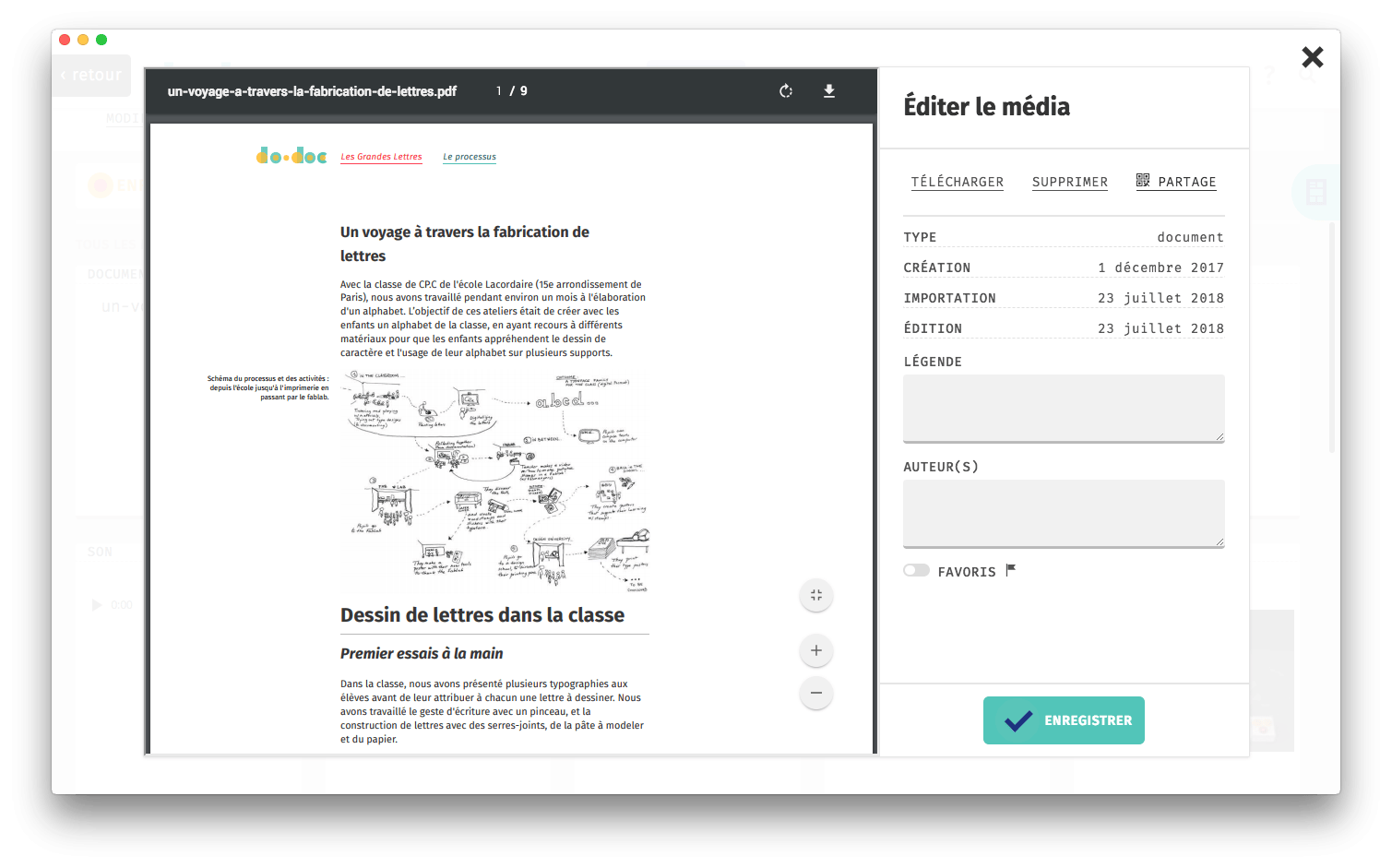
Some media such as photos, videos or PDFs can be displayed directly in the do•doc interface:
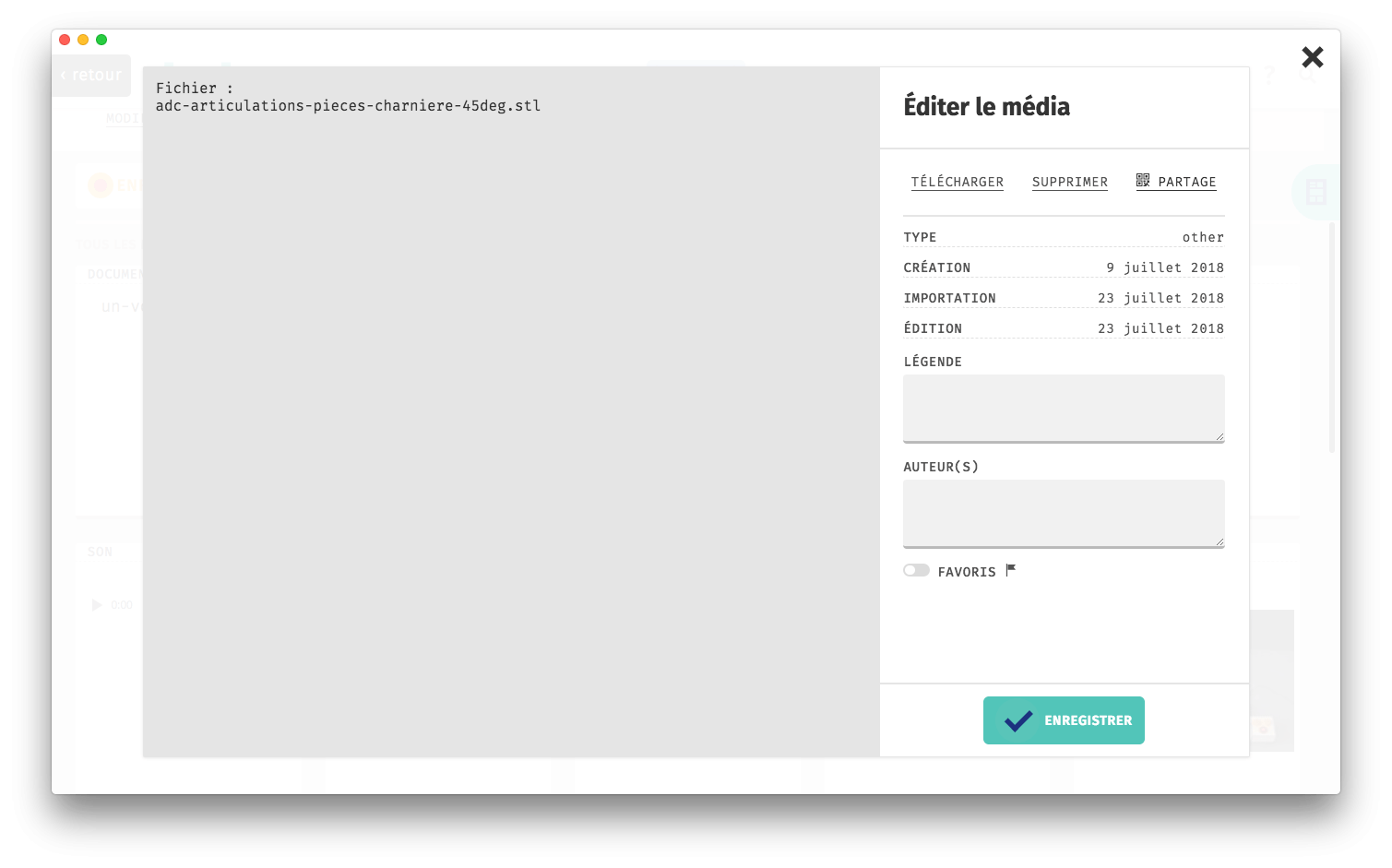
Unsupported formats simply show up as files. They can be captioned and downloaded by other do•doc users from other devices, for example.
Author page
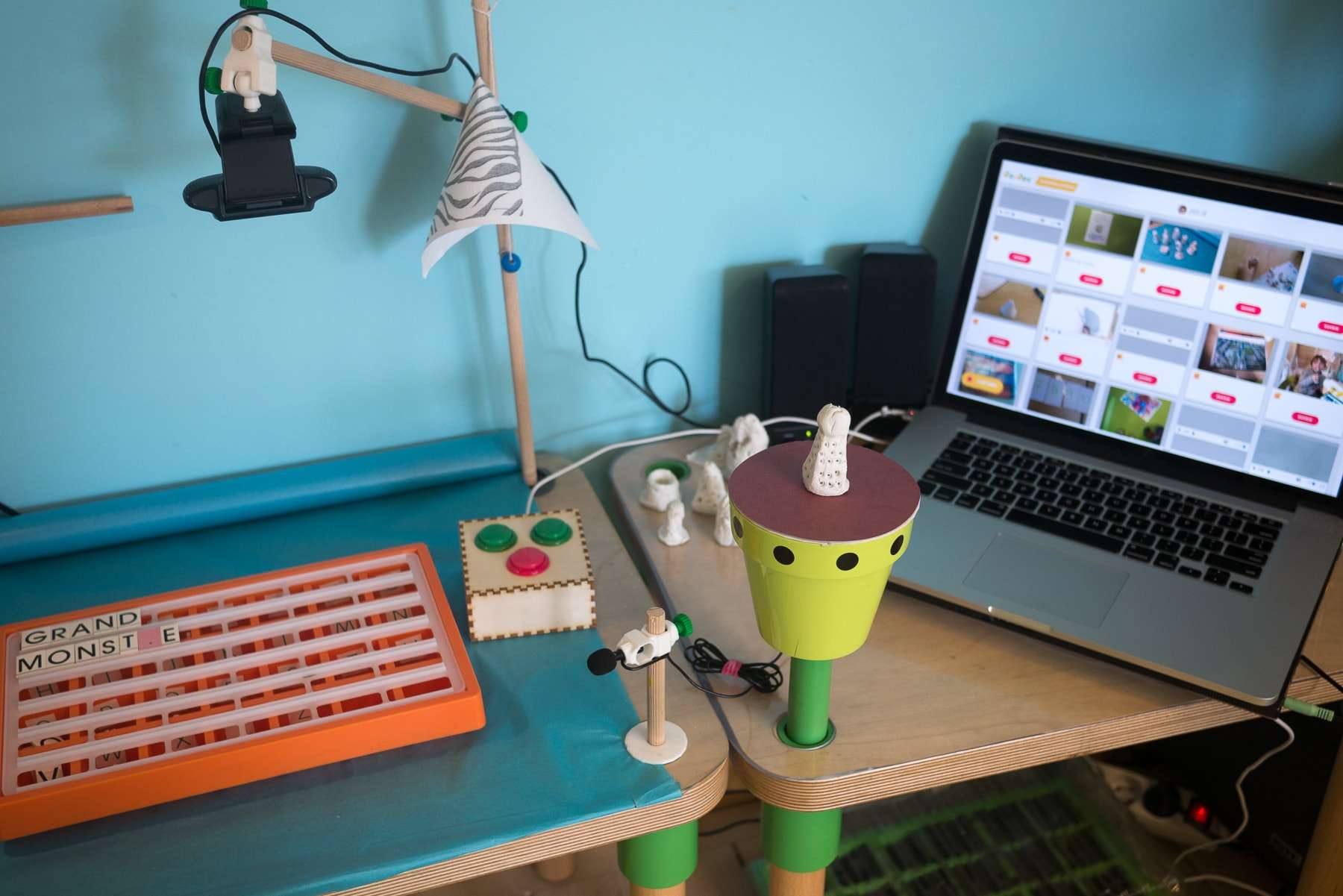
We also added the possibility to identify contributors, with a list of authors. This feature was created during a residency at the Blé en Herbe school in Brittany; you can read a report on our website: latelier-des-chercheurs.fr/en/ateliers/residence-a-trebedan

Combined with NFC technology, this feature also makes it possible to identify authors with physical objects (but this is entirely optional).
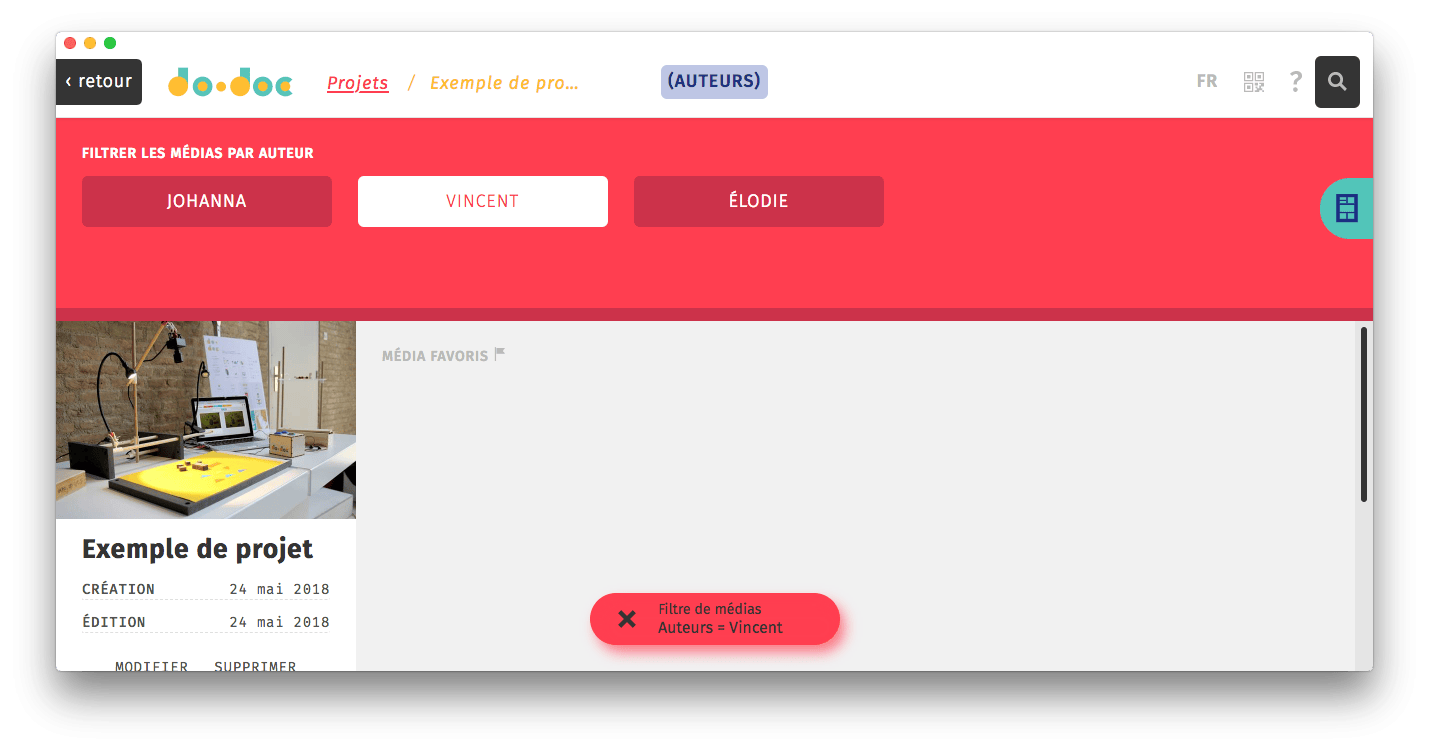
If media are captured and imported while logged in as an author, you will then be able to filter all media by author by clicking the small magnifying glass at the top right of the interface.
Reading and generating QR codes directly in do•doc
At the top right is a QR code icon, used to generate and read QR codes. Whether you want to create a link to do•doc, to a project or to a media, click this icon to generate the corresponding QR code. Codes can also be read by clicking this icon — for example, to go directly to another project from the do•doc home page without looking for it in the list.
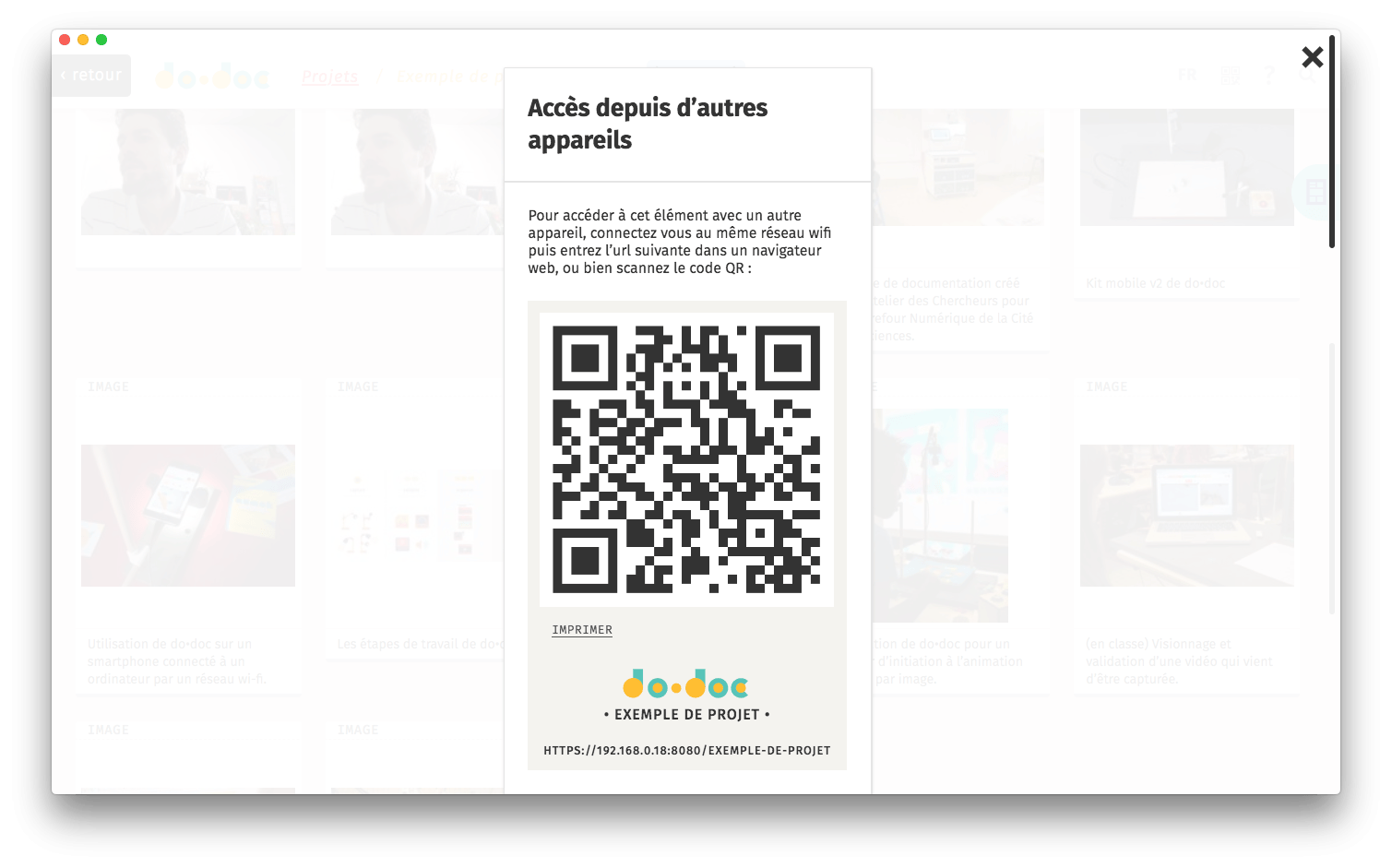
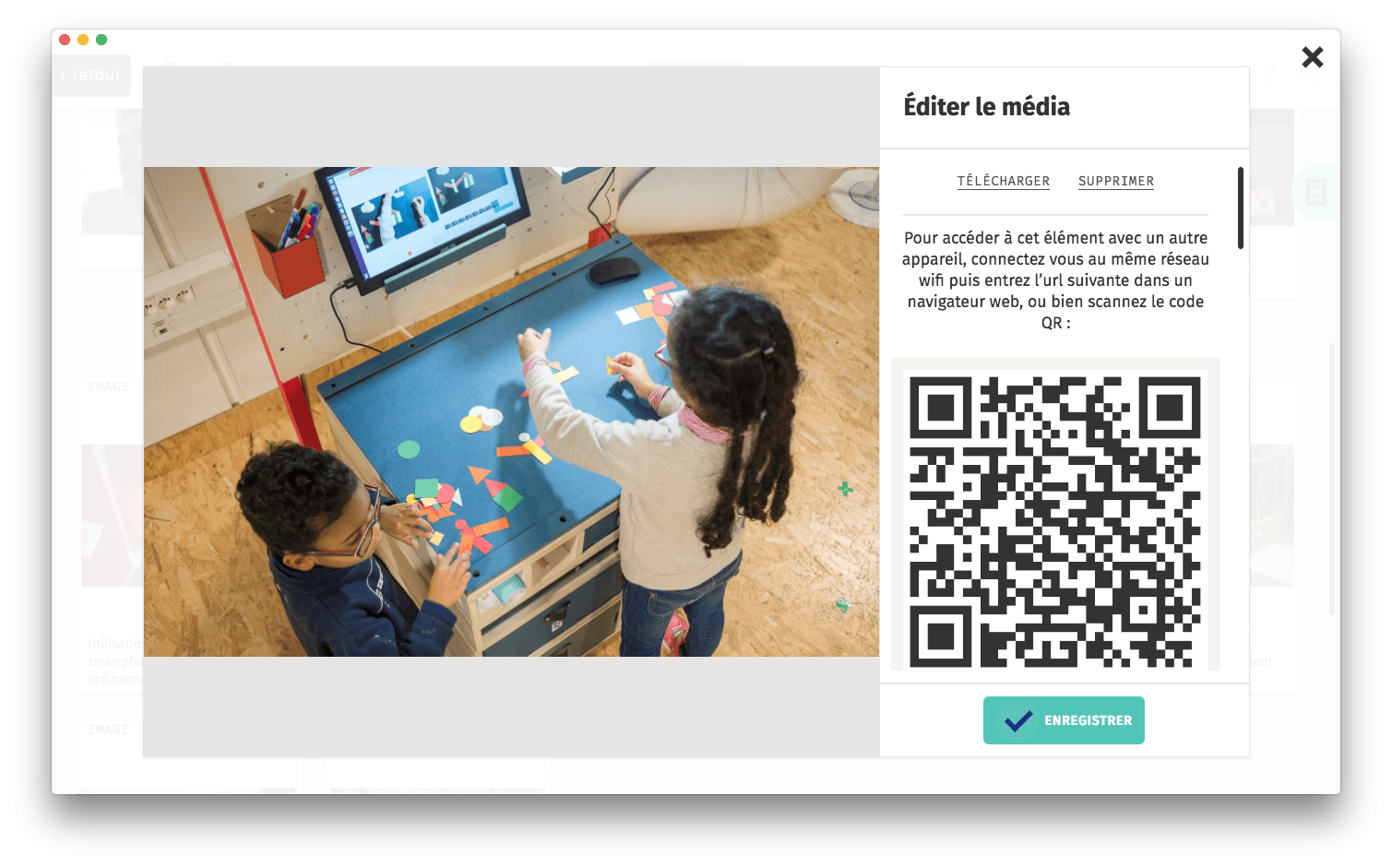
A small print button prints an A5 page with this code, along with the name of the project and, if relevant, the media it points to.
Shape capture and plotter cutting
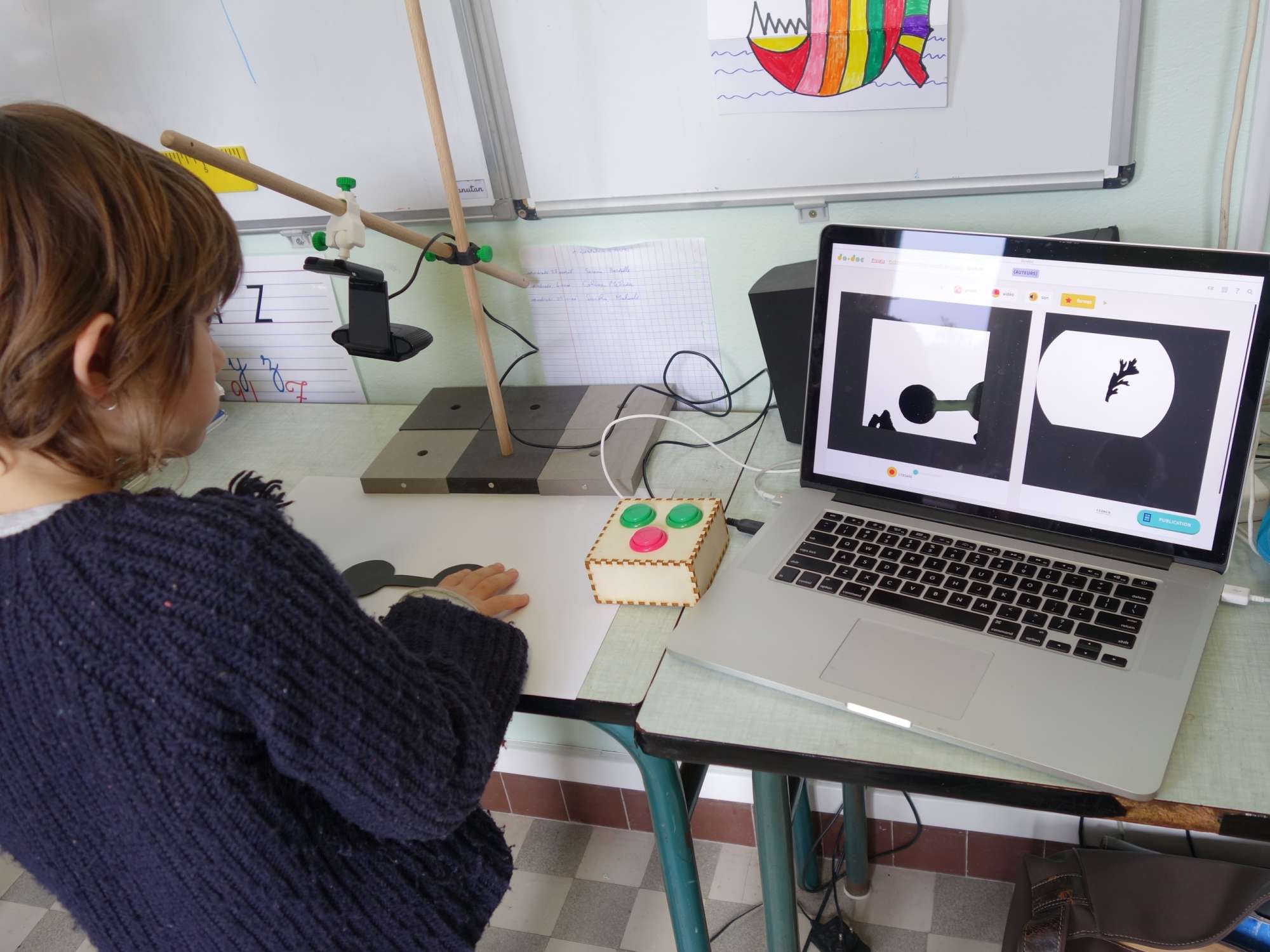
Finally, there is now a shapes capture mode that turns a photo into an SVG path, which can then be used to make stickers with a cutting plotter, for example. Like the frame-by-frame animation mode, this feature goes a bit beyond documentation, but it opens up new activities that use the computer and do•doc as a creative tool.
Technical information
Updating
This version lays new foundations and is not directly compatible with the content made with previous versions of do•doc (version 6 and earlier), mainly because the folder/project structure becomes a project-only organization. You can however recreate your projects and import all your old media into them, to benefit from all the improvements described above.
Content
The content of this version is stored in a "dodoc2" folder, which will be created automatically in your Documents or My Documents folder the first time you start the application, while the content of version 6 and earlier stays untouched in the "dodoc" folder.
Download and installation
- To install, download one of the following files depending on your operating system:
- Double-click this file once the download is complete.
- You will then be guided step by step through the installation. do•doc should then start on its own; otherwise, start it like any other application.
Let us know if you run into installation issues or need help, specifying your operating system (macOS, Windows or Linux) and the step that causes trouble.
Use and feedback
Manual
The do•doc user manual on our website is no longer really up to date with this new application, but an update is in progress. We nevertheless hope this version will be even clearer and easier to use than the previous one, so that people can get started without reading a manual.
Feedback
The license stays the same: do•doc is free and open source software that improves a lot thanks to the community (you!). If you want to send us feedback, you can do so:
- on the Github platform, a kind of forum where each topic (issue) is about one piece of feedback (bug, feature request, etc.): https://github.com/l-atelier-des-chercheurs/dodoc/issues
- or by email: info@latelier-des-chercheurs.fr